Let’s be honest, most of us want to be more visible, more often, on LinkedIn. You want people to know you’re the go-to, you want to stay top of mind, but… you’re also absolutely buried in actual work. Who’s got hours to spend brainstorming, designing, and sharing polished posts every week?
The good news: you don’t have to be everywhere, every day, or sound like a robot to build a solid LinkedIn presence. It’s all about working smarter, keeping it simple, and using a few smart tools that make your life easier.
1. Capture Your Thoughts on the Go
The best ideas pop up in the car, on a walk, or straight after a client meeting. Instead of letting those moments fade, grab your phone and record a quick voice note (we’re big fans of Otter.ai, but anything that lets you talk and transcribe works).
Start a running list of:
Common questions from clients
Industry topics you care about
Real stories from your day-to-day
Voice note your thoughts right there and then. Later, you’ll be glad you did.
2. Turn Ideas Into Posts, Fast
No need to become a copywriter overnight. Drop your transcript into ChatGPT (or similar AI tool) and ask for:
A list of 6-10 LinkedIn post ideas
Carousels with hooks and tips
Suggested captions (in your tone)
Tweak the results so it sounds like you, not a bot—and you’ll have ready-to-go updates in about 20 minutes.
3. Template Your Design (and Save Heaps of Time)
Scrolling through Canva every week is a trap. Instead:
Get 6-10 LinkedIn-ready templates made in Canva (quote posts, carousels, quick updates)
Stick to your colours, fonts, and style
Reuse, don’t redesign for every post
Your feed will look sharp, and you’ll never start from scratch again.
4. Schedule in Batches
LinkedIn’s scheduler (or something like Buffer or Later) lets you queue up a month’s worth of posts when you’ve got a spare hour.
Post once per week per topic (that’s your 6-10 posts sorted for weeks)
When things get hectic, your profile still shows up
Future you will be very grateful.
5. Invest in What Works
Here’s your starter kit:
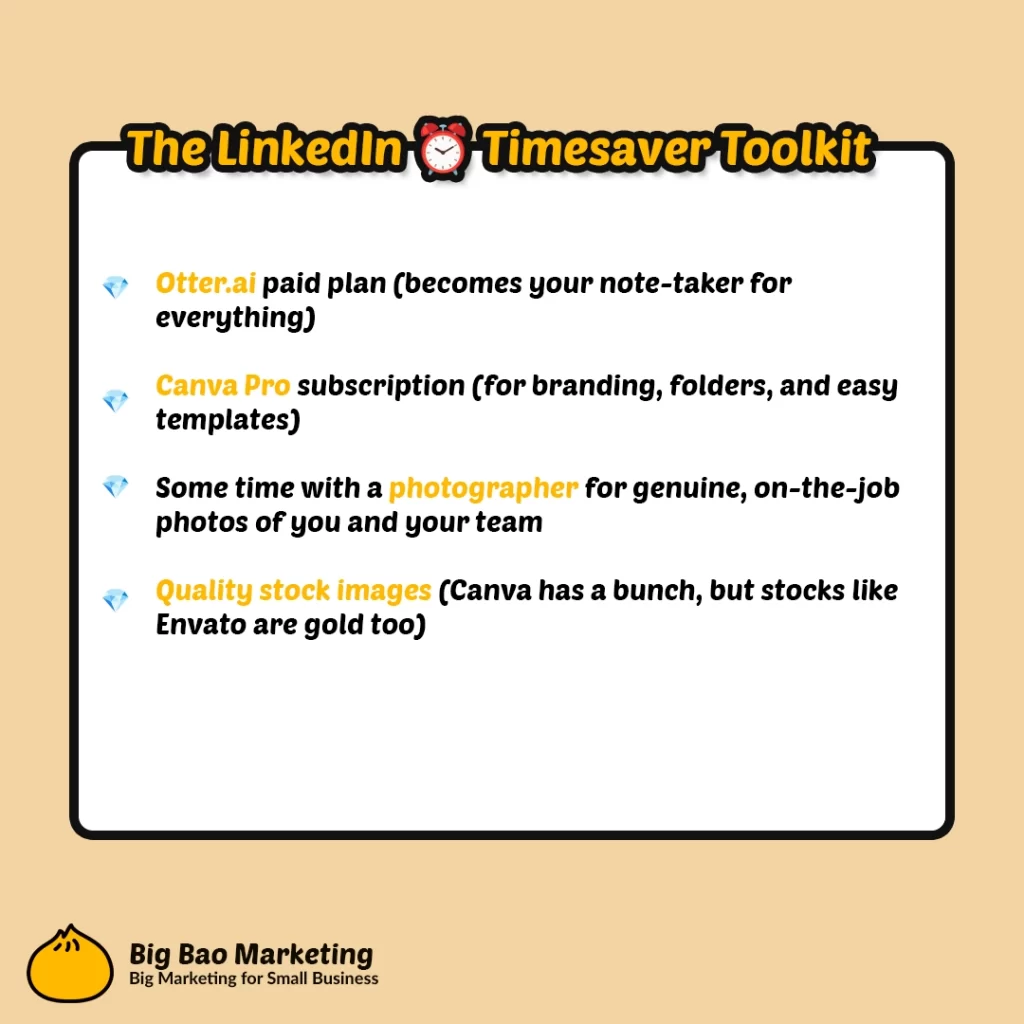
Otter.ai paid plan (becomes your note-taker for everything)
Canva Pro subscription (for branding, folders, and easy templates)
Some time with a photographer for genuine, on-the-job photos of you and your team
Quality stock images (Canva has a bunch, but stocks like Envato are gold too)
Optional, but worth it: If you’d rather stick to ideas and conversation, a VA can sort out the admin—turning your voice notes into posts, visuals and scheduling, leaving you just a quick review to keep things personal.
Being visible on LinkedIn isn’t about being everywhere, every minute. It’s about systems, simple habits, and a few clever tools (not hustle).
If you want to grow beyond your current crowd and have conversations with people who need what you offer, reach out to Big Bao. We’ll help you turn your ideas into impact—and make sure your time is spent where it counts. Get in touch if you’re ready to get visible, even when you’re busy.